Deferred Signing
info
Deferred Signing is currently only available in South Australia and Tasmania.
Once the vendor signs, the signed form is sent to the purchaser(s) as required, ensuring that the form is fully signed by all parties without delays.
This smooth transition allows the signing process to continue at a convenient pace, reducing any potential hold-ups and ensuring efficiency for all involved.
FORM1#
The Deferrable Signer badge indicates that the Purchaser(s) is the Deferred Signer.
The
AgentorConveyancerpreparesFORM 1when listing a property.The
Vendorsigns once the form is ready.Once a
Purchaseris found, the signed form can be sent to thePurchaser(s)for signing.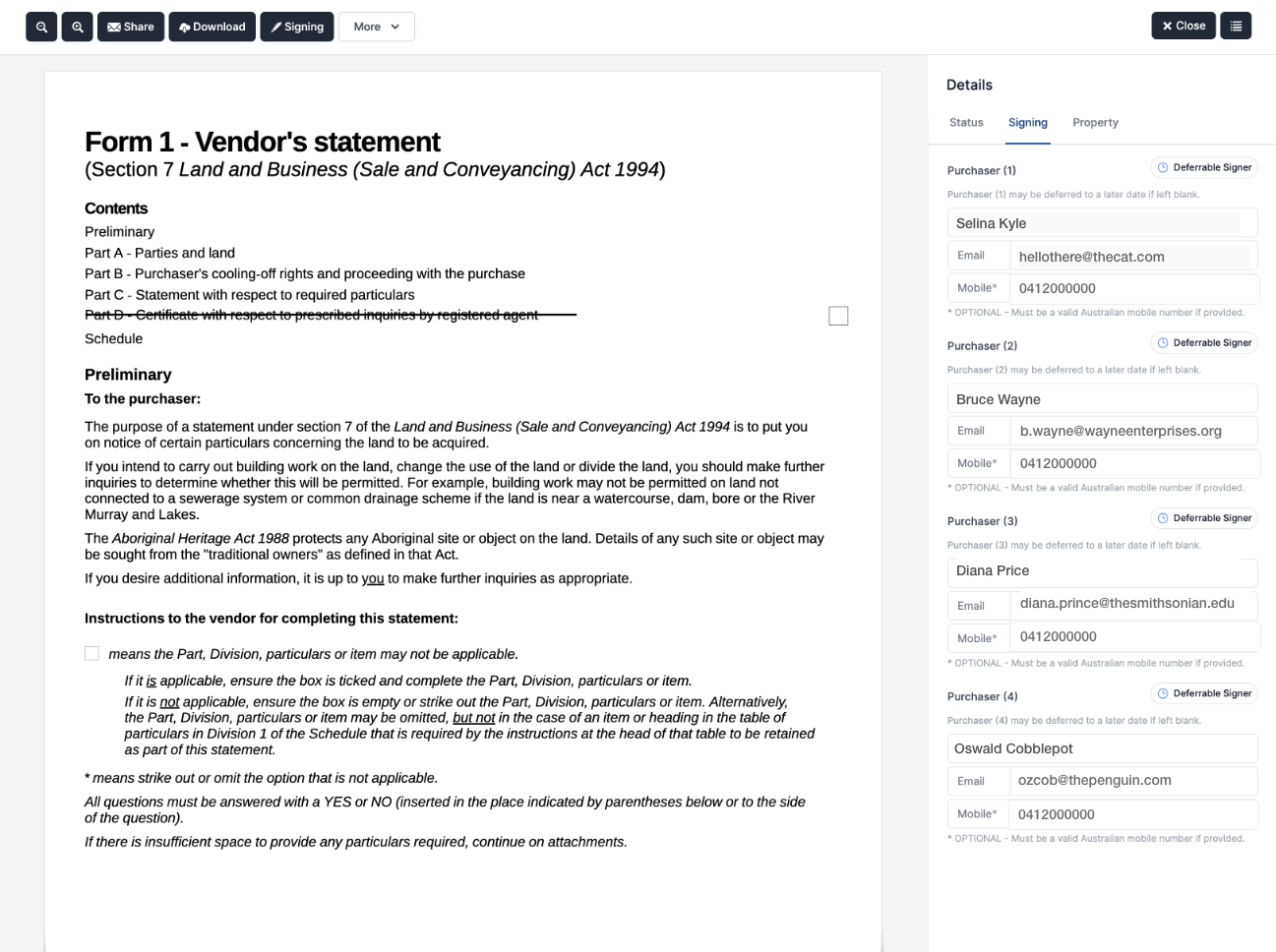
Contact of Sale#
The Deferrable Signer badge indicates that the Vendor(s) is the Deferred Signer.
The
AgentorConveyancersends out the contract to prospectivePurchaser(s).The
Purchaser(s)sign the contract.The
Vendorsigns one contract, accepting the offer.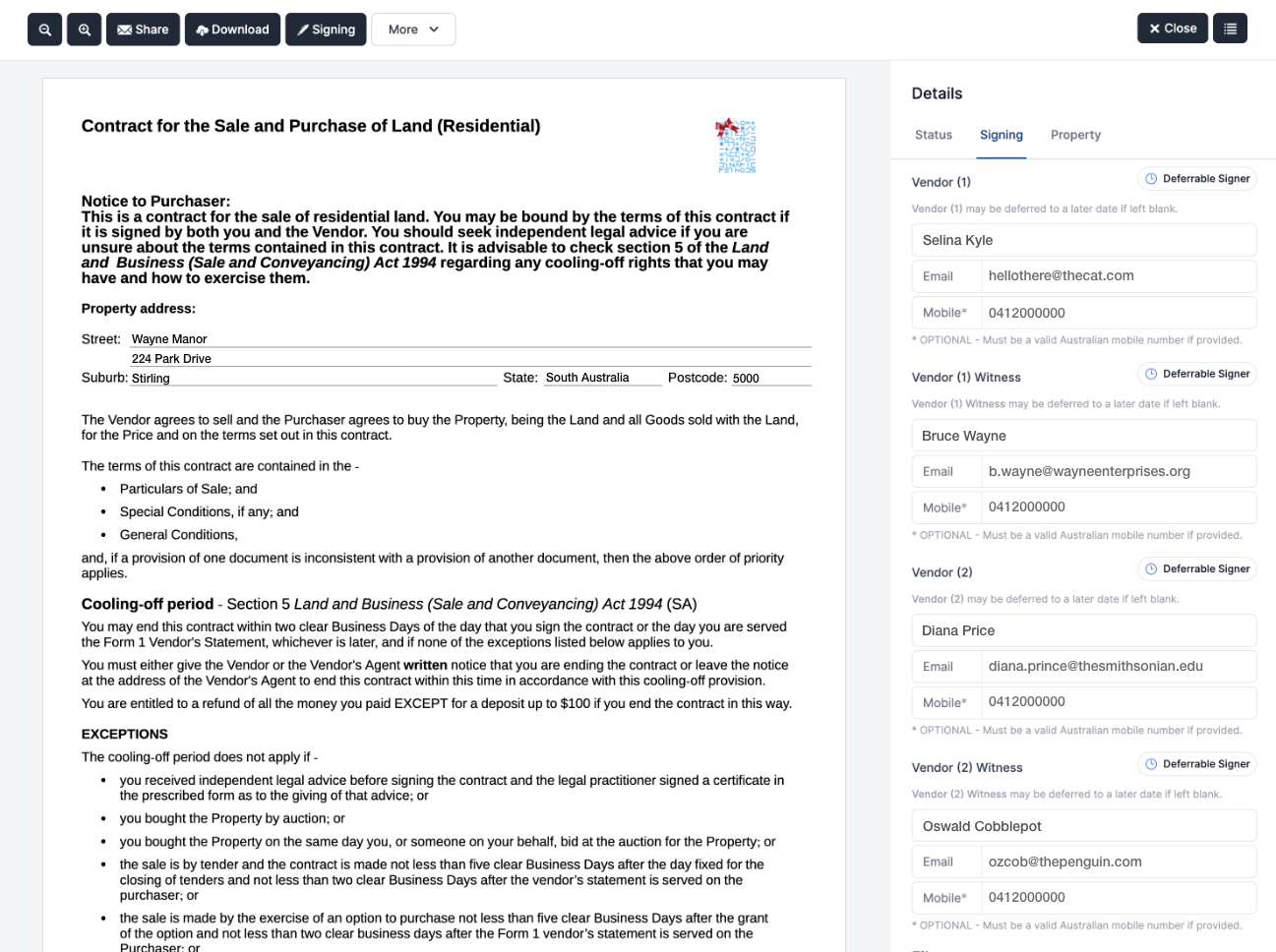
Deferred Signing in Action#
Once a Purchaser is found, proceed with the signing process as follows:
Open the previously signed form in Forms Live.
Open the
Signing Sidebarand clickSend Deferred Parties.Enter the
Purchaser(s)details as per the standard signing process.Manage the signing order by following the document sending steps.
Click
Sendto begin the signing process
note
The signing process follows the same protocols as Forms Live Sign – to review this process, please visit this article for a full walkthrough of the client signing process.
Enabled Forms: SA#
Sales
FORM1 (FORM1)
Exclusive Residential Sales Agency Agreement (SA0001)
Contract (Residential) (SA0100)
Contract (Rural) (SA2100)
Enabled Forms: TAS#
Sales
- Contract for Sale (SA0100)