SearchX
please note
SearchX is only available in QLD.
Forms Live integrates with SearchX to let you order a Seller's Disclosure Statement (Form 2) directly from a listing, without leaving Forms Live.
Connecting to SearchX#
Before you can order a Seller's Disclosure Statement, connect your agency's SearchX account:
Click
Connectionsin the left menu.Find
SearchXand clickConnect.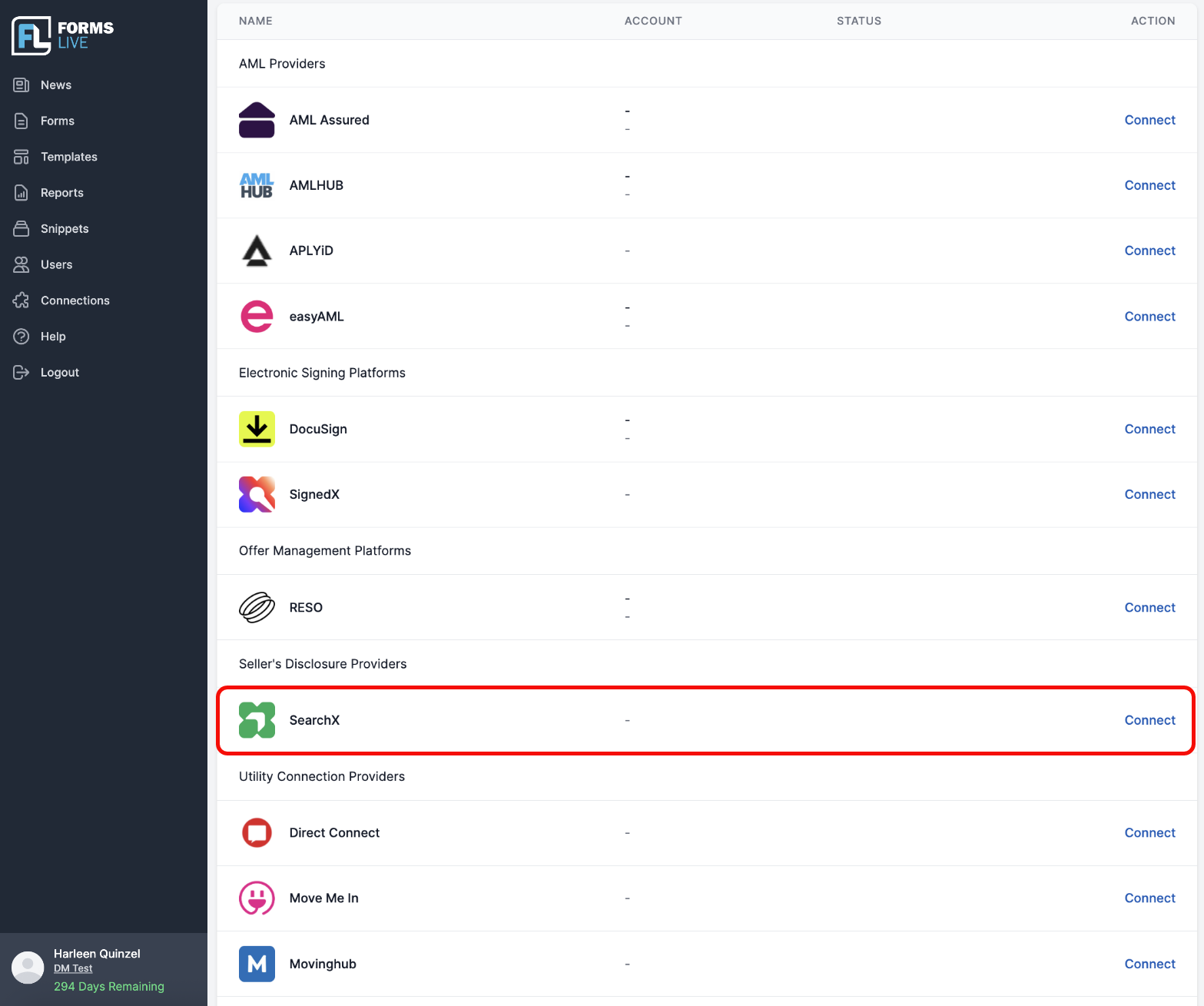
Enter your
SearchX Agency IDand save.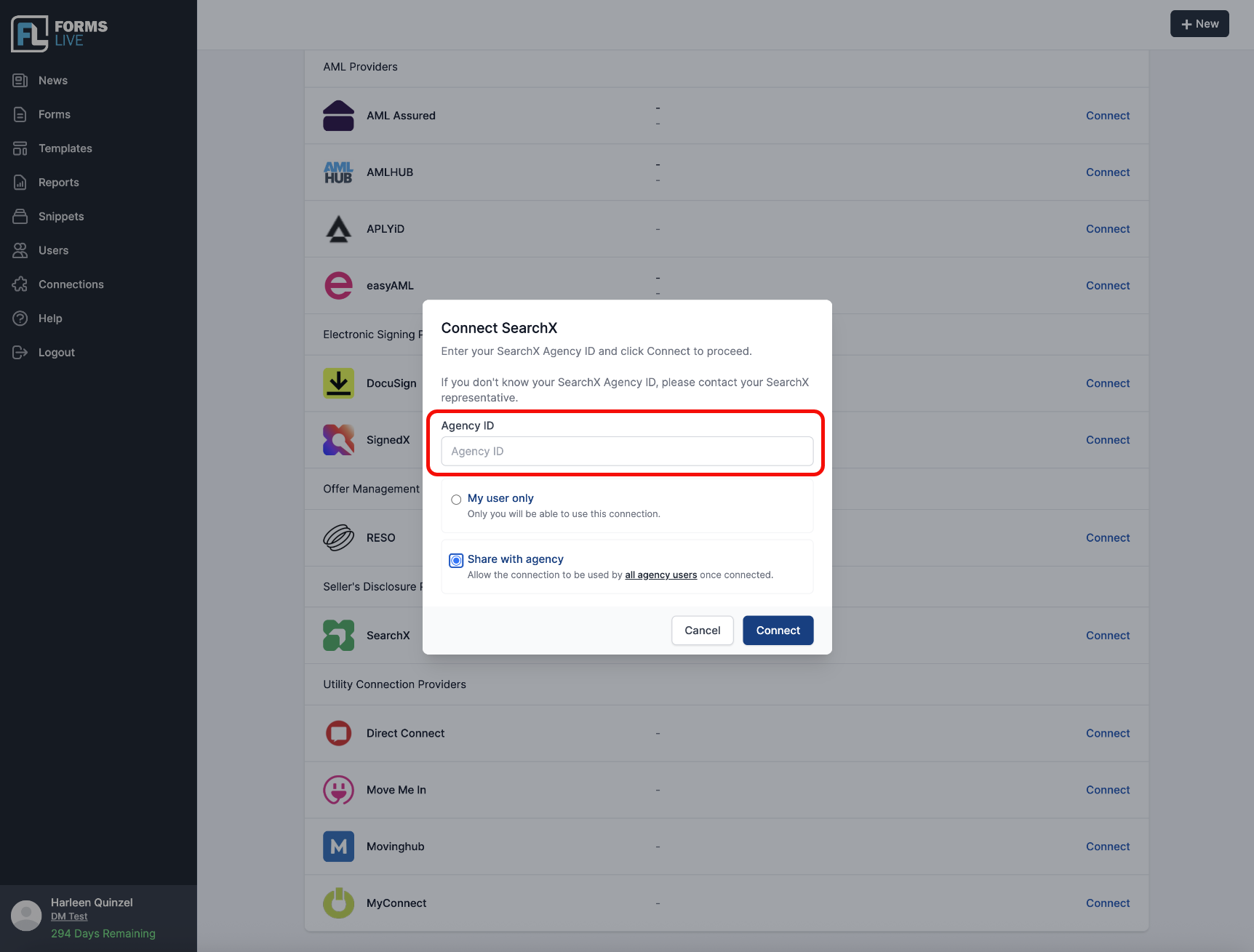
You only need to do this once per agency.
Ordering a Seller's Disclosure Statement (Form 2)#
- Open the listing you're working on.
- Select the
Seller's Disclosuretab. - Search for the property address. Forms Live automatically pulls through the title reference and lot/plan details from SearchX.
- Enter the seller's
name,email, andmobile number. Add a second seller if there's more than one. - Read and agree to SearchX's terms.
- Select
Publishto submit the order.
info
SearchX emails each seller a payment link and SearchX raises the invoice automatically — no need to chase payment yourself.
Tracking your order#
Once an order is published, Forms Live checks its status automatically. When the Seller's Disclosure Statement is complete, you can:
- Download the finished Form 2 PDF directly from the listing, or
- View the order in the SearchX portal.